



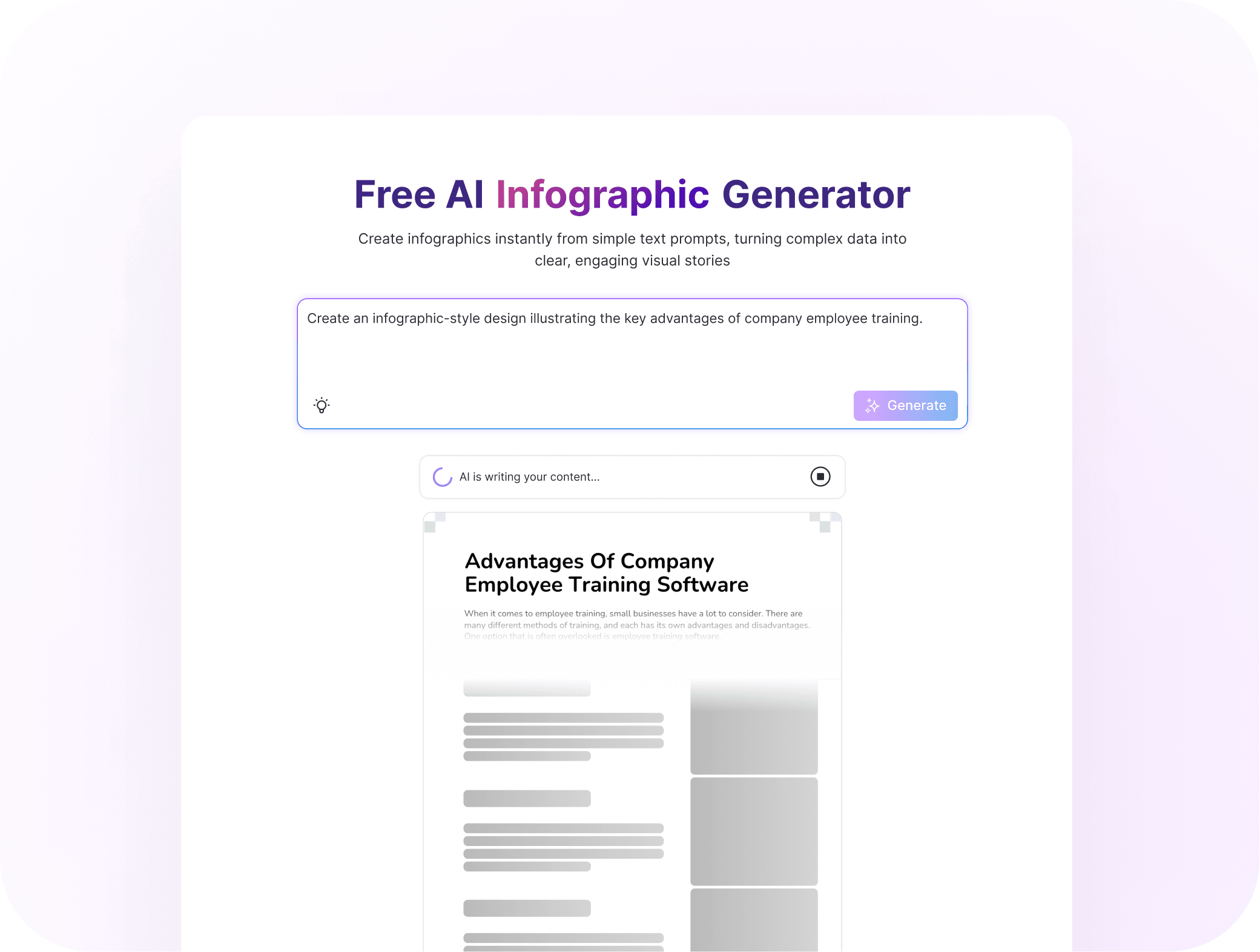
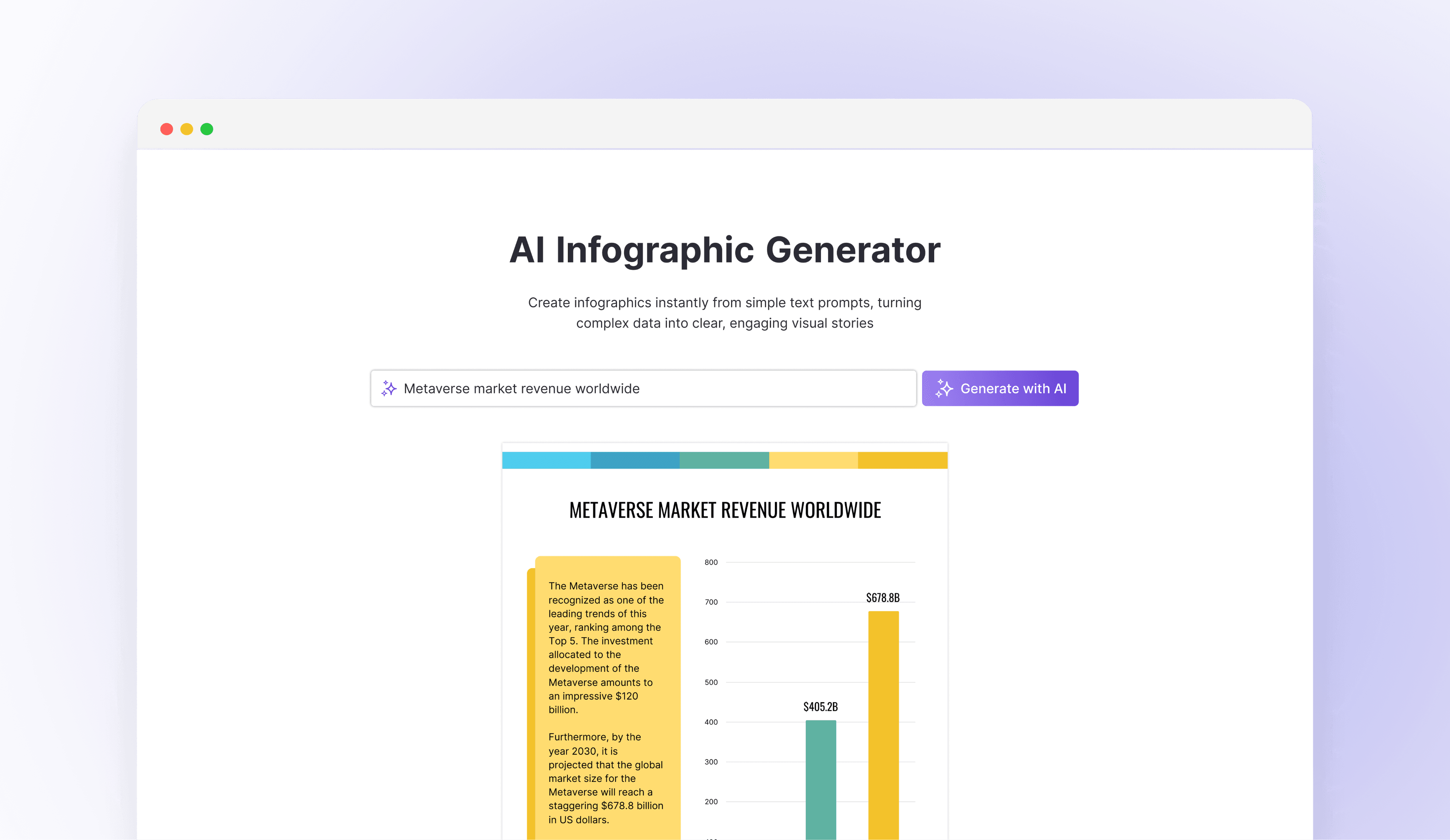
Added skeleton previews to make AI progress visible in real time, helping reduce early drop-offs.
 All work
Design co-pilot
I turned a one-off AI generator into a co-pilot that helps users refine, personalize, and reuse designs inside the editor.
- Role
- Lead product designer
- Team
- 1 designer, 3 engineers, EM, QA
- Company
- Venngage
- Focus
- AI UX, workflow design
- Engagement
- +60%
- 25% → 40%
- Completion
- +29%
- 8.5% → 11%
- Conversion
- +25%
- B2B upgrades
Problem
A magic button users stopped trusting
Our AI generator had a promising capability, but adoption told a different story. Only 6% of users activated, and 80% dropped off after their first try. By connecting these patterns with output-quality analysis and user interviews, I uncovered a key usability gap: users wanted AI to support their creative process, not replace it.
Phase 1 of 4
Define the Vision
My vision was to transform AI from a one-time generator into a continuous design partner across discovery, creation, editing, and reuse. Business users like HR teams, marketers, and learning specialists saw AI as a one-off feature, not a collaborative partner. I set out to design AI that guides with transparency, fits naturally into existing workflows, and improves through refinement.
AI creative
journey
Guides, adapts, and learns as a creative partner.
01 Discovery
Intent & Framing
Transforms an early idea into a clear, structured creative brief.
02 Create
Synthesis Drafting
Generates multimodal concepts and assembles high-fidelity drafts.
03 Refine
AI-assisted Editing
Combines AI assistance with human feedback to sharpen the work.
04 Learn
Knowledge Memory
Learns preferences and patterns to accelerate future projects.
Phase 2 of 4
Guiding creation
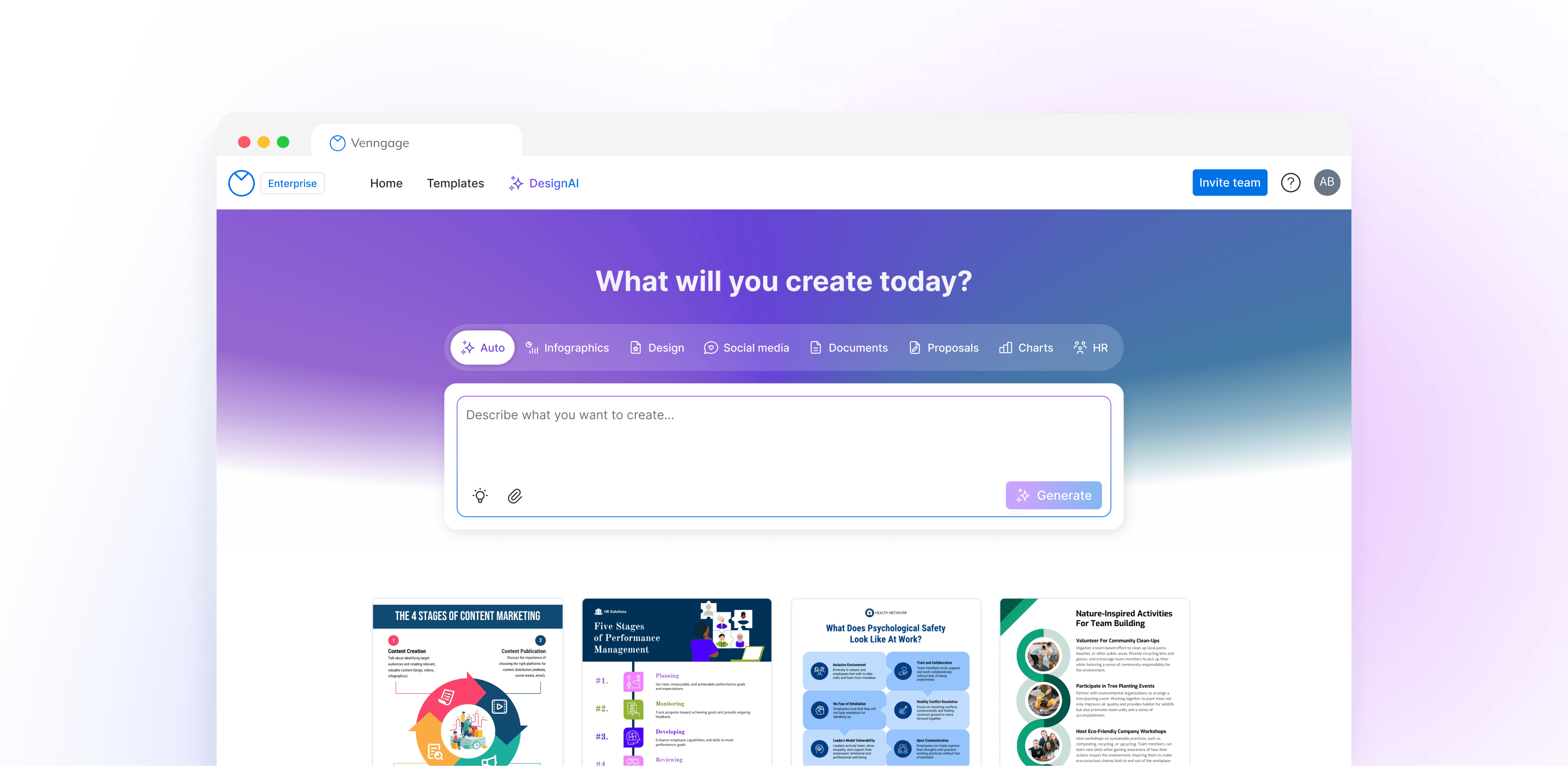
The generator felt like a black box: unpredictable and out of users’ control. Without visibility or clarity, most dropped off after the first attempt. I replaced one-click “generate” with a guided flow, shipped as small, tested steps: skeleton previews, semantic template matching, category chips, and a step-by-step flow with template alternatives.
Skeleton Previews
Semantic Template Matching
Mapped user intent to the most relevant layout structures, improving output accuracy and satisfaction.

User Control
Gave users direct control over output parameters, building trust and reducing regeneration cycles.
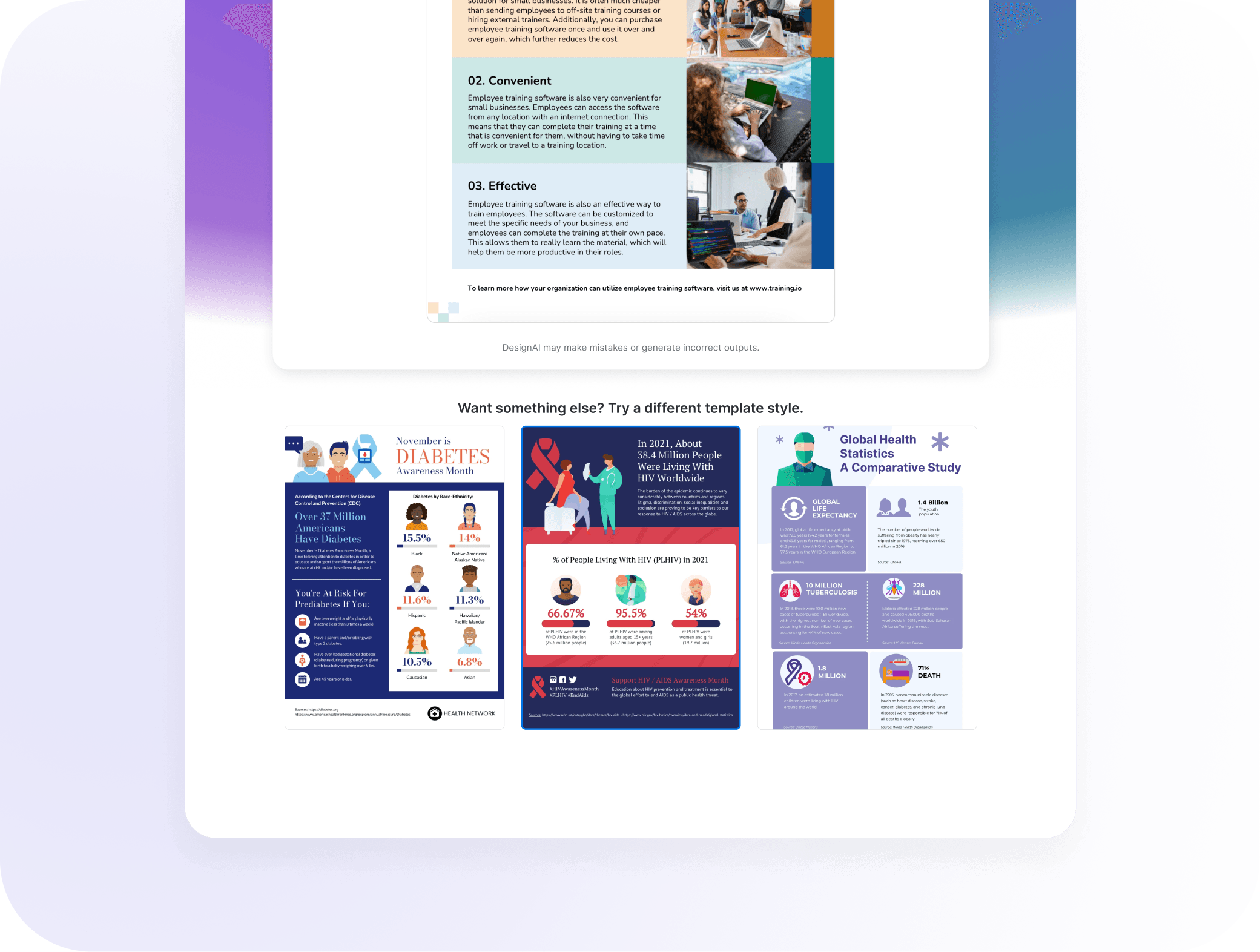
Suggestions
Surfaced alternative templates post-generation, lifting engagement by 15–20%.
Impact
Drop-off after the first try fell from 80% to 65%, the first proof that users trusted AI enough to keep going. The redesign turned AI from a black box into a transparent, guided first step, proving that collaboration, not automation, drives engagement.

Phase 3 of 4
Driving Adoption into Workflows
Even after improving generation, I noticed users still treated AI as a separate tool. They had to leave their usual flow to use it, which caused friction and drop-offs.
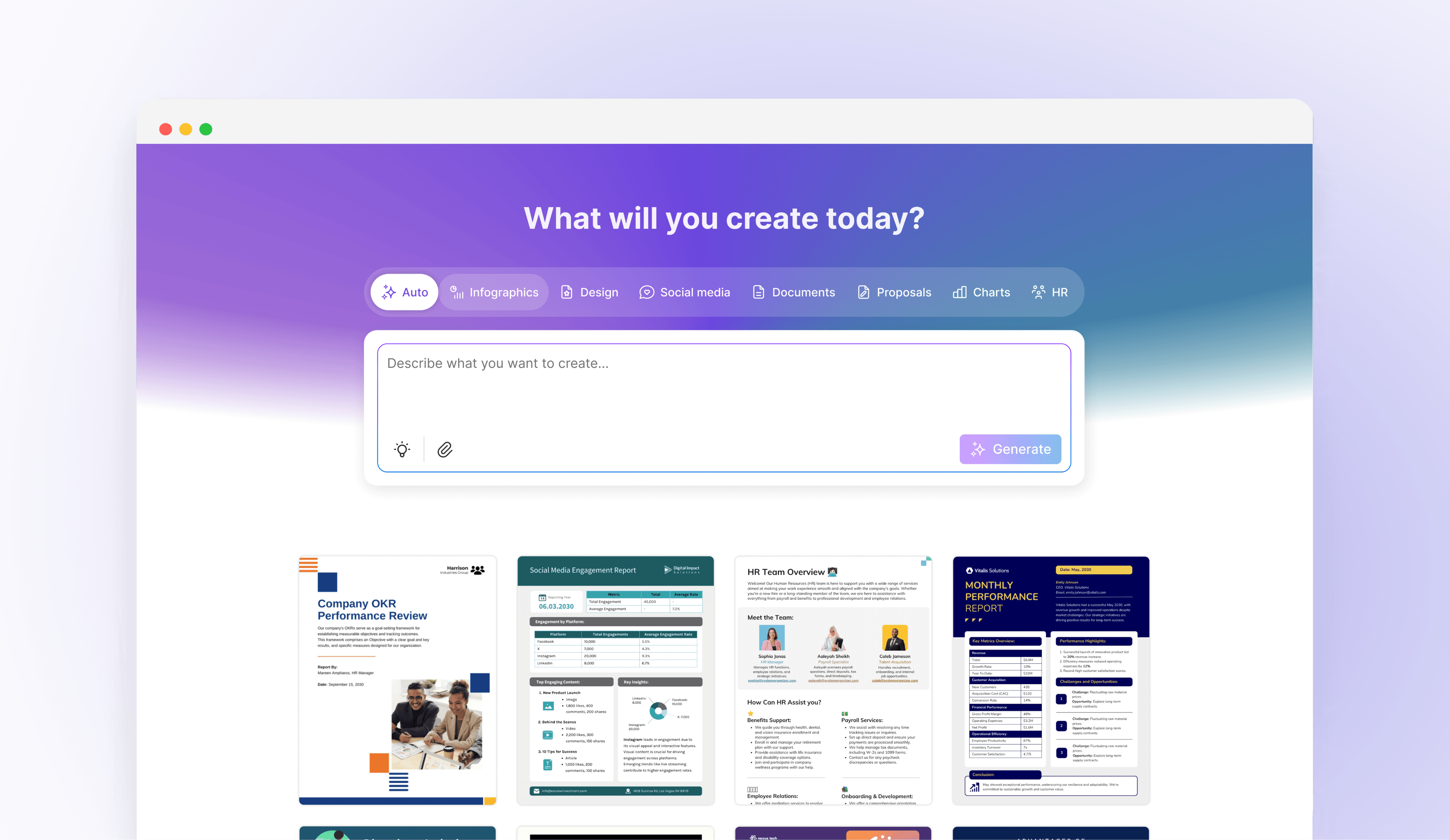
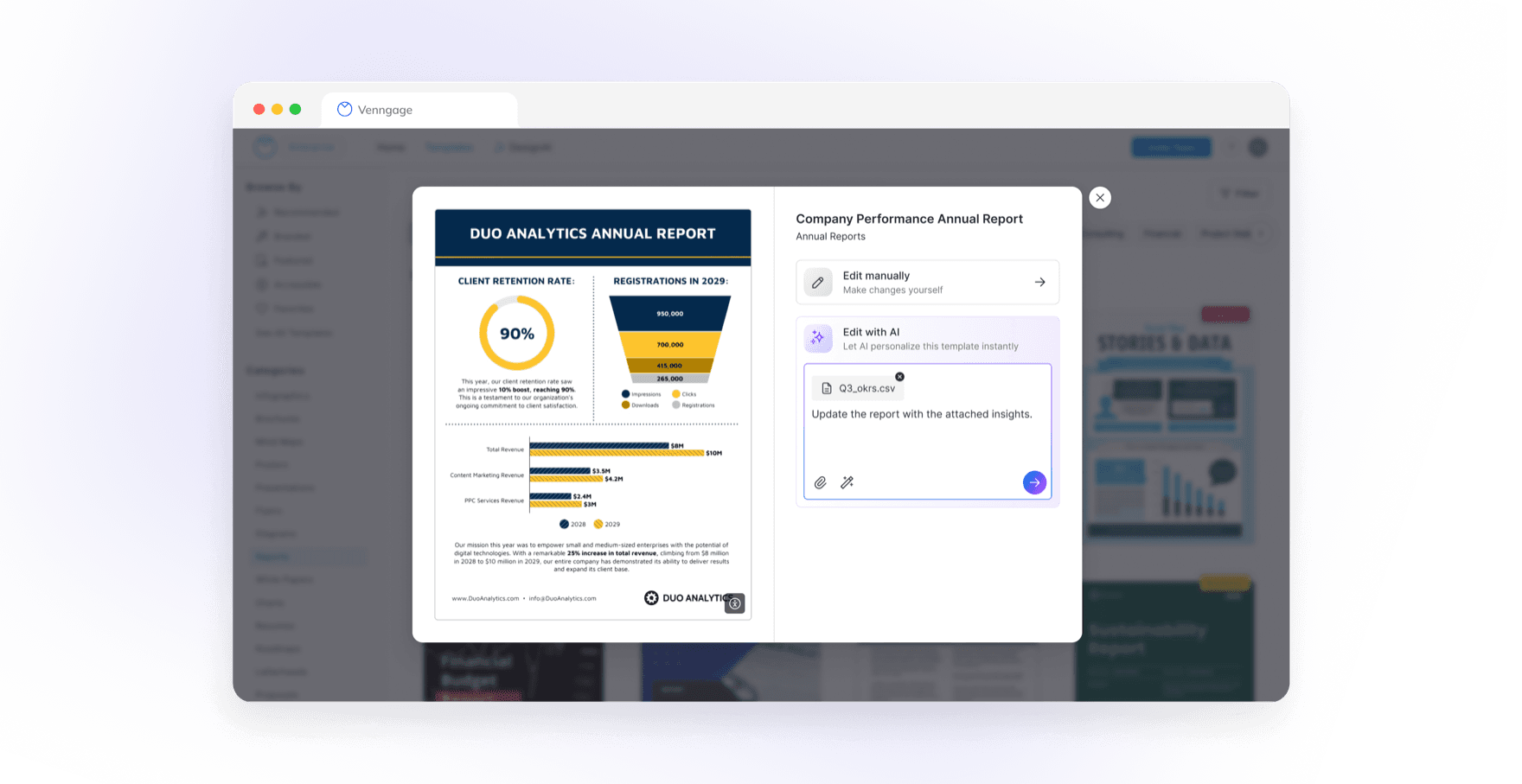
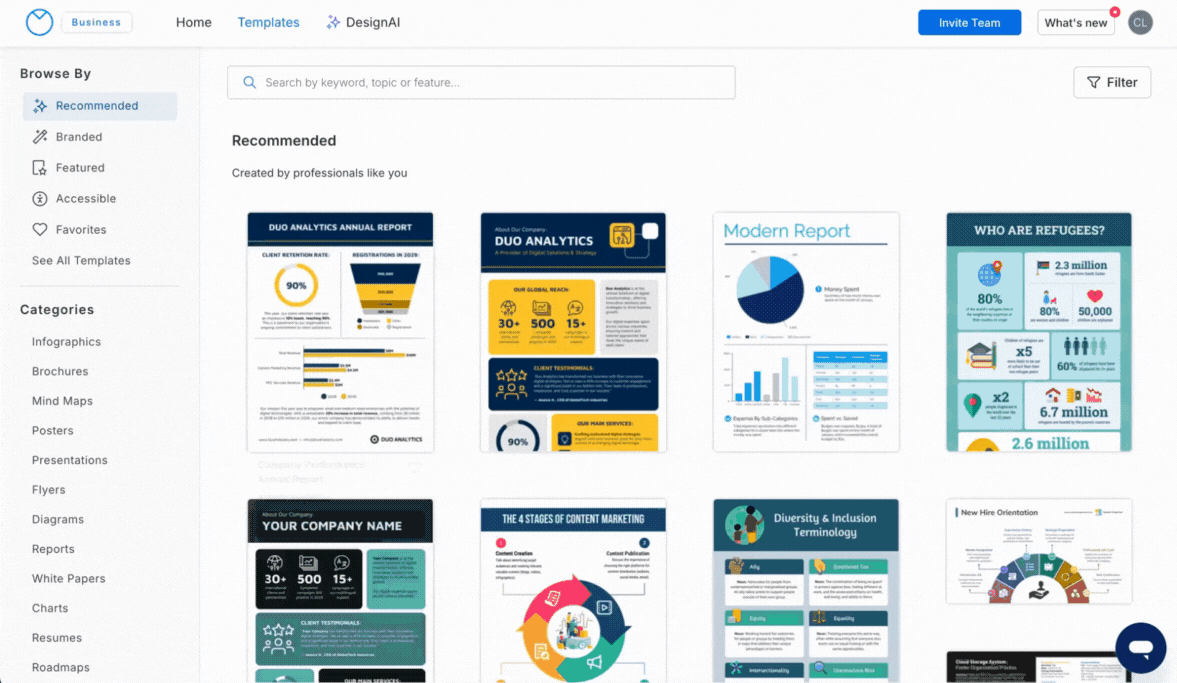
Instead of introducing a separate AI feature, I redesigned the entry point around something users already knew: browsing templates. Once they picked one, they could prompt AI to transform their content into structured visuals, generate charts and graphics, and apply their branding.
Impact
By meeting users where they already were, we saw a 38% lift in engagement and 40% increase in adoption. Time to complete dropped from 22 minutes to 15, and conversion rose by 25%.
This approach reduced friction and helped users adopt AI as part of their process. The personalized drafts gave people an instant sense of progress, motivating them to refine and finish rather than start over.
Phase 4 of 4
Sustaining Engagement with the Co-Pilot
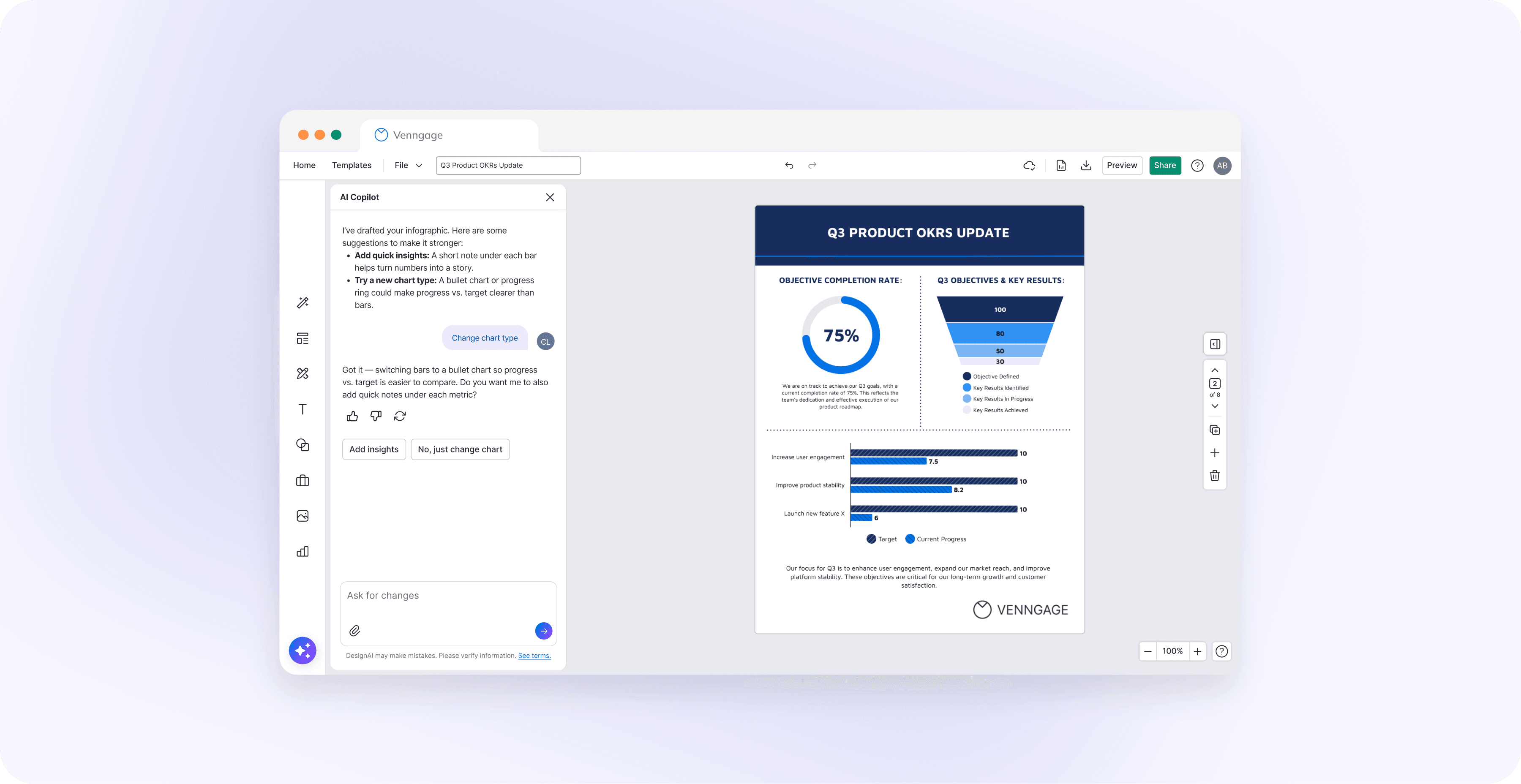
Users loved the AI-generated first drafts, but many still got stuck on manual tweaks. The same request kept coming up: “Can AI help me tweak my design?” I talked to 6 users and uncovered four challenges:
- Lacked the design expertise to make their work look polished.
- Found the editor overwhelming.
- Spent too much time keeping designs consistent.
- Weren’t sure how to phrase effective prompts.
Assist
Help users edit and create faster
Surface the right action at the right moment, so people can move forward without waiting.
Automate
Streamline repetitive layout and formatting
Reduce the busywork of alignment, spacing, and cleanup so the editor can focus on content.
Adapt
Personalize tone, layout, and brand style
Use context to suggest the right voice, structure, and visual direction for the task.
Assure
Keep transparency, context, and user control
Show progress, explain choices, and never hide the editor's agency or next step.
Scope
Be clear when the AI can’t do something
The co-pilot says when it can’t help and points to the manual path: “I’m still learning and can’t do that yet, but here’s how you can do it manually.”
Agency
Keep the editor in control
The co-pilot suggests; the user decides. Every change can be accepted, declined, or undone.
Clarity
Explain what the AI is doing
A thinking indicator explains what the AI is doing and why, so nothing changes silently.
Trust
Stay approachable, not robotic
Suggestions stay helpful and confident, never overly certain, following the voice guidelines.
Impact
The co-pilot turned AI from a one-time generator into a continuous creative partner. It bridges automation and manual editing, keeping users in flow as they refine designs in their own tone and brand. It also laid the groundwork for what comes next: AI that learns from each project and guides reuse.
Learnings
Co-create, don’t replace
Let AI handle repetitive, time-consuming tasks while users stay in control of creative decisions, refinements, and the final output.
Fit into familiar workflows
Integrate AI into existing workflows and familiar interactions, building trust through predictable experiences rather than relying on output accuracy alone.
Design in partnership with engineering
Translate user needs into clear product requirements while collaborating with engineers to explore technical constraints and shape practical solutions.